Configuration
Here, you configure the Quiz Module.
Emojis
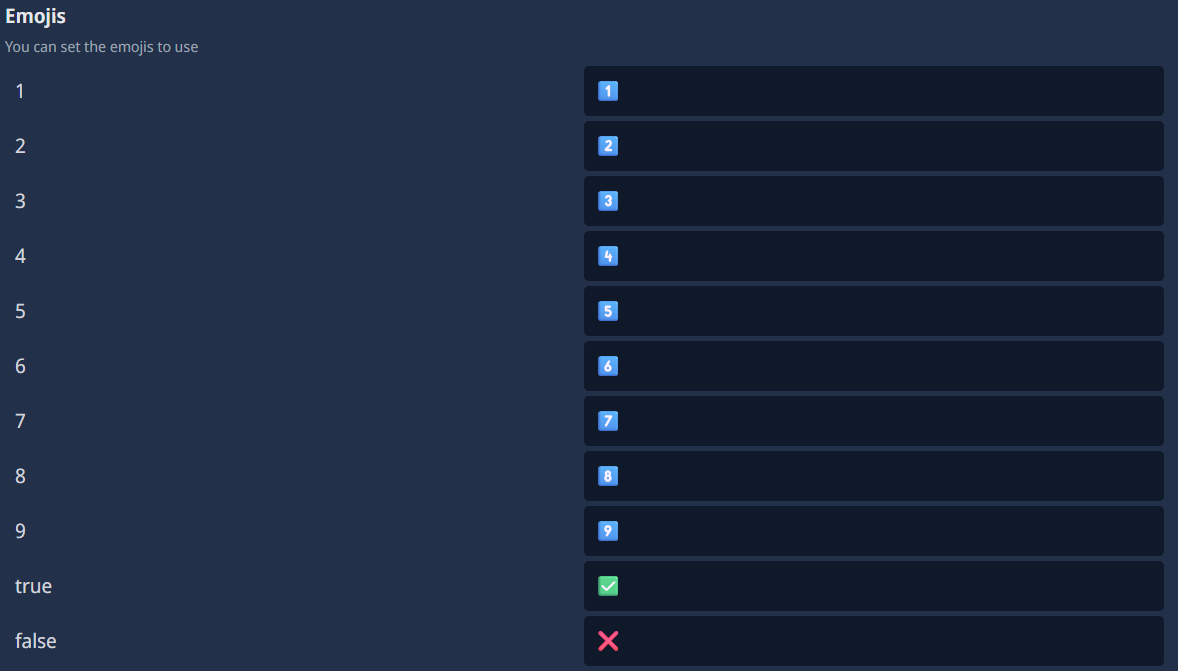
type: Embed
required: true
Here, you have to choose the emojis that should be used for the quiz. You have to choose emojis for these numbers and strings: 1, 2, 3, 4, 5, 6, 7, 8, 9, true and false. I recommend that you leave the standard emojis, but you can change it everytime you want.
Daily quiz limit

type: Spinner (AKA Number Input)
required: true
Here, you can set a daily quiz limit for your Admins. This means that Admins can only set up a certain number of quizzes per day.
Quiz leaderboard channel

type: Channel Select
required: false
recommended: true
Here, you can select a channel where the bot will show the quiz leaderboard. The bot will edit the message whenever the leaderboard gets an update. If you don't want to have a quiz leaderboard, you can leave this option empty.
Role needed to create quizzes

type: Role Select
required: true
Here, you have to select the role that is needed to create quizzes. Only users with this role will be able to create quizzes. You can select multiple roles, and users with any of the selected roles will be able to create quizzes. Please don't select a role that is too common, because then everyone will be able to create quizzes, and that can lead to spam. I recommend that you create a new role for this and only assign it to the users that should be able to create quizzes.
Mode for quiz selection

type: Options
required: true
Here, you can choose How the next /quiz play quiz for a user is chosen: If set to "Random", every time the user uses the command, they'll receive any quiz from the quiz pool created in the bot configuration. Note that this may cause repeated questions more often. The other option is "Continuous", which tells your bot to count up in the list of quizzes and always choose the next available one until the end is reached and the bot starts over again.
Live preview of results

type: Boolean (AKA True/False)
required: false
recommended: true
If you enable this option, the bot will show a live preview of the quiz results. This means that when a user answers a quiz question, the bot will immediately show whether the answer was correct or not. If you disable this option, the bot will only show the results after the quiz is finished. I recommend that you enable this option to make the quiz more interactive and fun for the users.